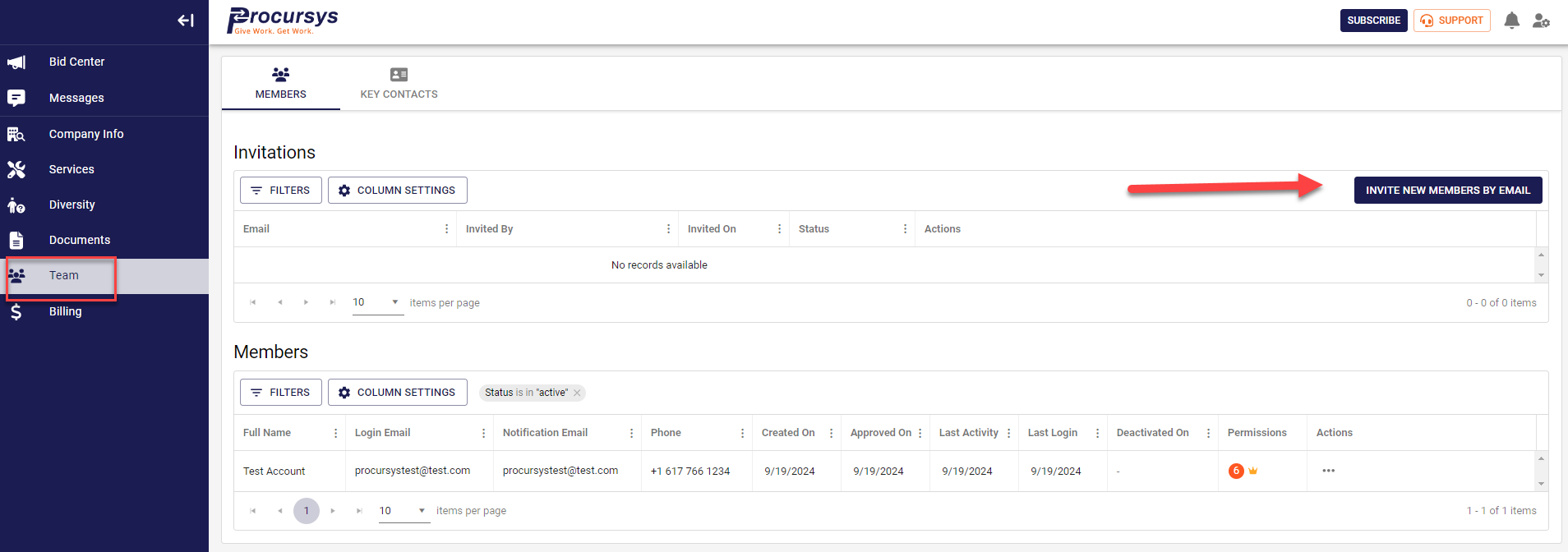
Want to invite a new user to your organization's account? Need to update a user's permissions?
- Select Team from the left side menu bar.
- Click on the Members icon
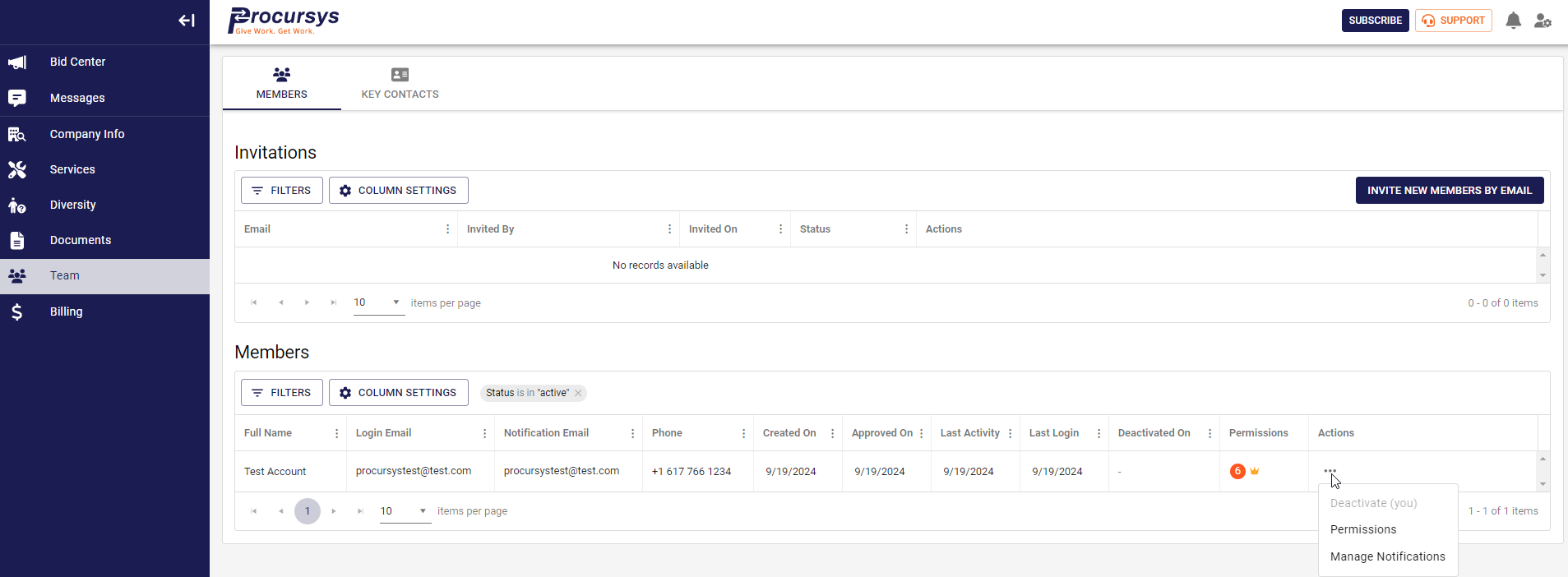
3. Under Actions: Permissions and/or Manage Notifications
Was this article helpful?
That’s Great!
Thank you for your feedback
Sorry! We couldn't be helpful
Thank you for your feedback
Feedback sent
We appreciate your effort and will try to fix the article